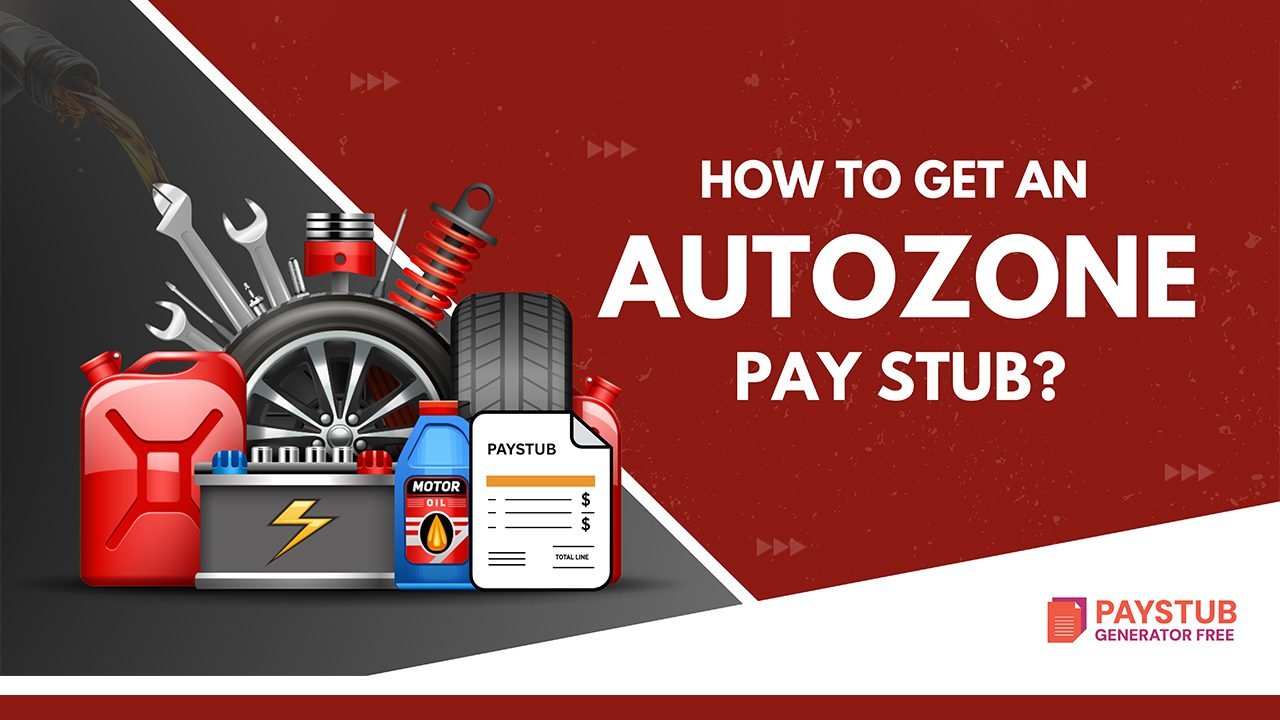
AutoZone is the leading American automotive parts and accessories retailer and distributor. If you’re working there and need your AutoZone pay stub, then you have landed at the right place.
This guide provides an in-depth explanation of how you can get an AutoZone paycheck stub easily.
What is AutoZone?
As you already know, AutoZone is the biggest American automotive retailer and distributor. It was founded in 1979, earlier called Auto Shack in Forrest City, Arkansas. AutoZone grew from a single store into a nationwide retailer focusing on auto parts, maintenance, and accessories for cars.
Under an employee stock purchase plan, you can purchase up to $15,000 of compensation per year. Through AZ People, you can change your personal information in the AutoZone HR portal, including your name, contact number, and address.
How to Get an AutoZone Pay Stub as a Current Employee?
To access your AutoZone pay stub, visit the AZPeople employee portal at azpeople.autozone.com, log in using your employee ID and IGNITION password, go to Payroll & Compensation, and download your paycheck PDF.
Below mentioned are the steps to access your AutoZone Pay Stub:
- Log in to the AZPeople login portal.
- Use your employee ID and IGNITION password. If you’re new to the system, you shall activate your account with the IGNITION password self-service.
- Visit the IGNITION password self-service. Enter your employee ID, last name, and secret code, and click on Activate.
- Generate a new password.
- Set up a few security questions.
- Now, visit AZPeople and log in with your employee ID and the IGNITION password.
- Once logged into the AZPeople system, click on Payroll and Compensation under the Self-Service tab in the main menu.
- View Paycheck under Payroll and Compensation to view your paycheck statement. You will see a list of paychecks arranged by date. Download your desired paycheck salary and use the last four digits of your SSN to open the PDF file.
Tip: You can use a paycheck stub generator to create a qualified paystub for your business.
How to Get an AutoZone Paycheck Stub as a Former Employee?
Being a former employee at AutoZone, it might be difficult to get your AutoZone paystub. Below are various methods to get them:
Log in to the AutoZone Employee Portal
- Visit the login portal: Visit the AutoZone login portal.
- Activate your account: Use your Employee ID ignition plus password.
- Access Paystubs: Once inside, locate the pay history tab to download your AutoZone paystub.
Contact the HR Management
If online portal access is not available, your best alternative is to contact the HR management.
- You can contact them at 901-495-6500
When you are ready, be prepared for:
- Your full name
- Employment dates
- Employee ID
- Documents you need
Once this process is complete, they will email you the AutoZone Paycheck Stub.
Request Paystub by Email
If the second step is causing trouble, then try the steps:
- Write a formal email to the AutoZone HR department for copies of the check stub.
- Insert your details and dates for specific pay periods.
- Send it to the AutoZone HR email address.
Why might you need your AutoZone paystub?
AutoZone employees shall need their AutoZone check stub for the following reasons:
- Applying for a loan
- Renting an apartment
- Filing taxes
- Verifying earnings
- Checking for payroll mistakes
- Keeping personal records
What if you forgot your login credentials?
In case you have forgotten your login credentials:
- Visit the AutoZone login portal.
- Click on theforgot password.
- Insert your employee ID.
- Follow the steps to reset your password.
Are you struggling with immediate access to your pay stubs?
Use the Paystub Generator Free for reliable pay stubs for your business.
Disclaimer: Paystub Generator Free is not affiliated with AutoZone or its associates. AutoZone brands or logos are trademarked or registered trademarks. The article provides general guidance for accessing an AutoZone pay stub. Refer to AutoZone’s official resources and consult HR for specific details.
Key Takeaways
Obtaining your AutoZone paycheck stubs is simple; simply log in to the AutoZone employee portal using your employee ID and IGNITION password. Once inside the dashboard, click on Pay Stub History and download your check stub in PDF format.
FAQs
1- How can I get my pay stubs from AutoZone?
AutoZone employees can access their pay stubs by logging into the AutoZone employee portal. From there, you can view, download, or print your pay stub for income verification.
2- What payment method does AutoZone accept?
AutoZone accepts Visa, MasterCard, American Express, and PayPal.
3- How to get AutoZone receipts?
For this, you have to contact AutoZone Customer Support at 1-800-288-6966.
4- Does AutoZone pay in 4?
No, AutoZone does not pay employees in 4 payments. AutoZone employees are typically paid biweekly through direct deposit or paycheck, and pay stubs are available via the employee payroll portal.
5- How can I pay for my order at AutoZone?
AutoZone accepts payments from the rewards balance, Visa, Mastercard, and PayPal.
6- Who can pick up my order at AutoZone?
The person who has ordered the accessories can pick up the order. We shall confirm the order when you arrive by checking your credit card and email confirmation of all the matches.
7- Does AutoZone have same-day pickup?
Yes, AutoZone has same-day pickup. Select your order online, then select Free Store Pickup. You will get a confirmation email. Check in to the counter with your order and ID to verify, and an AutoZone employee will produce your order.
8- How do I check my AutoZone account?
You can access your account balance at AutoZone.com.
9- Can you make payments at AutoZone?
You can pay for your next purchase at AutoZone in 4 installments over 6 weeks.
10- Can AutoZone purchase history?
Contact AutoZone Customer Support at 1-800-288-6966.