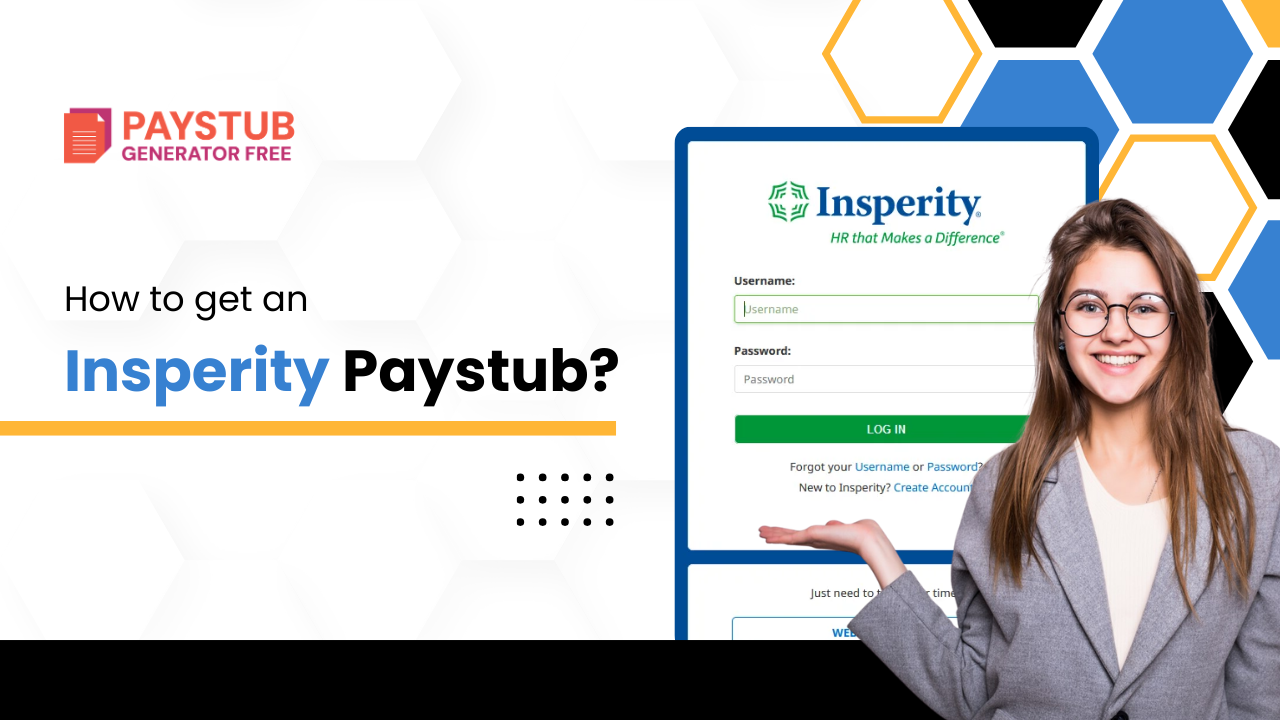
If your employer partners with Insperity, your payroll, benefits, and HR services are likely managed through their system. Many employees often ask: How do I get my Insperity paystub online? Whether you need it for tax filing, loan applications, rental verification, or personal records, accessing your paystub is simple once you know the right steps. If you ever need to create a similar document for record-keeping, you can use Paystub Generator Free,can help you generate accurate and professional pay stubs quickly.
In this blog, we will take a look at how to get your Insperity pay stub without any hassle. So, let’s get started.
What is Insperity?
Insperity is a leading Houston-based professional employer organization (PEO) providing comprehensive human resources (HR) and business performance solutions to small and medium-sized businesses. It assists companies in payroll, benefits administration, HR compliance, and talent management through co-employment models.
What is an Insperity Pay Stub?
An Insperity pay stub is a payroll statement that is issued through your employer’s HR and payroll provider. It shows:
- Gross pay
- Net pay
- Deductions
- Benefits deductions
- Pay period dates
- YTD earnings
Insperity works as a professional employer organization (PEO), with many companies outsourced payroll to them. This means your insperity employee login paystub are stored inside the Insperity Employee Portal, not directly in your company’s internal systems.
Why might you need an Insperity Paycheck Stub?
You might need an Insperity paycheck stub for the following reasons:
- Filing income tax returns
- Applying for loans
- Renting an apartment
- Verifying employment income
- Personal financial monitoring
How to get an Insperity Paystub Online as a Current Employee?
To get your Insperity payroll as a current employee, follow these steps:
1- Visit the official Insperity login page
- Visit the legal Insperity employee login portal.
2- Log in to the Insperity login employee Portal
- Insert your username and password, and login on the Insperity paycheck login window.
If it is your first time logging in, you might need to complete registration using:
- Employee ID
- Social security number
- Date of birth
3- Navigate to the Pay Statements
Once logged in:
- Look for a tab labeled as Payroll
- Click on Pay statements
- Select your desired pay period
4- Download your Paystub
Once you open a pay statement:
- Click on download paystub and it will be downloaded in PDF format.
How to get an Insperity Paycheck Online as a Former Employee?
If you’re a former employee, you can access your Insperity pay stub. You can still access old paystubs for financial documentation. Below is what you should do:
1- Try logging into the Insperity login portal for employees
Former employees retain limited access for a certain period after separation.
2- Contact the HR department
If you’re not able to access the Insperity login for employees, do the following:
- Reach out to your former HR department
- Request copies of particular pay periods
- Provide identity verification (if required)
Most firms are required to provide payroll records upon request.
3- Use Paystub Generator Free Tool
Choose from a variety of ready-made paystub templates and generate accurate, reliable paystubs in minutes.
What to Do If You Can’t Log In to Insperity?
Below is what to do if you can’t log in to Insperity:
1- Double-check your credentials
- Your username is correct.
- There are no extra spaces.
2- Use the forgot password button
If you have forgotten your password:
- Click the forgot password button
- Insert your registered email address
- Follow the instructions to reset your password
- After resetting, try logging in again to access your pay stubs .
3- Account locked
- Wait for 10-15 minutes if the account is locked before you try again
- Contact the HR department to unlock your account
4- Clear Browser Issues
- Clear your browser cookies and cache
- Disable browser extensions
- Try logging in from another device
Need a quick and reliable way to create your own paystub?
Use our free tool to generate accurate, professional payroll stubs in minutes.
Troubleshooting Tips
Some common troubleshooting tips for insperity portal login employee dashboard are mentioned below:
1- Paystub now showing
- Confirm the correct pay period
- Refresh page
- Try a different browser
2- Incorrect pay amount
- Compare hours worked
- Check overtime rates
- Contact the HR department
Key Takeaways
Getting your Insperity pay stub is easy once you understand the login process. Simply access the official employee portal, navigate to Payroll, and download your statement. If you are a former employee, contact your human resources department if portal access is no longer active. Keeping organized payroll records protects your finances and ensures accurate income documentation when you need it most.
FAQs
1- What is Insperity used for?
Inseprity is used for delivering HR technology, compliance, and support services for small and mid-sized businesses.
2- How does Insperity handle payroll?
Insperity will also handle payroll tax filing and payroll tax compliance, including withholding and remittance. The platform allows online approval and review of payroll, and customers have access to a dedicated payroll support specialist for any questions or issues.
3- Is Insperity a 401(k)?
With the Insperity 401(k) Plan, the Insperity plan assumes the sponsorship responsibilities and fiduciary obligations, allowing you to focus more on your business. With the Insperity Customized 401(k) Plan, you sponsor your own plan.
4- Who competes with Insperity?
The best overall Insperity alternative is ADP Payroll Services. Other similar apps like Insperity are Sequoia Advisory, Lumity Benefits Solution, G&A Partners Services, and CoAdvantage. Insperity options can be found here.
5- How much does Insperity payroll cost?
Typically, clients report costs ranging from $100 to $200 per employee per month, depending on these variables. These fees often include more than just basic payroll functions; Think it benefits in administration, compliance support, and access to HR expertise.