
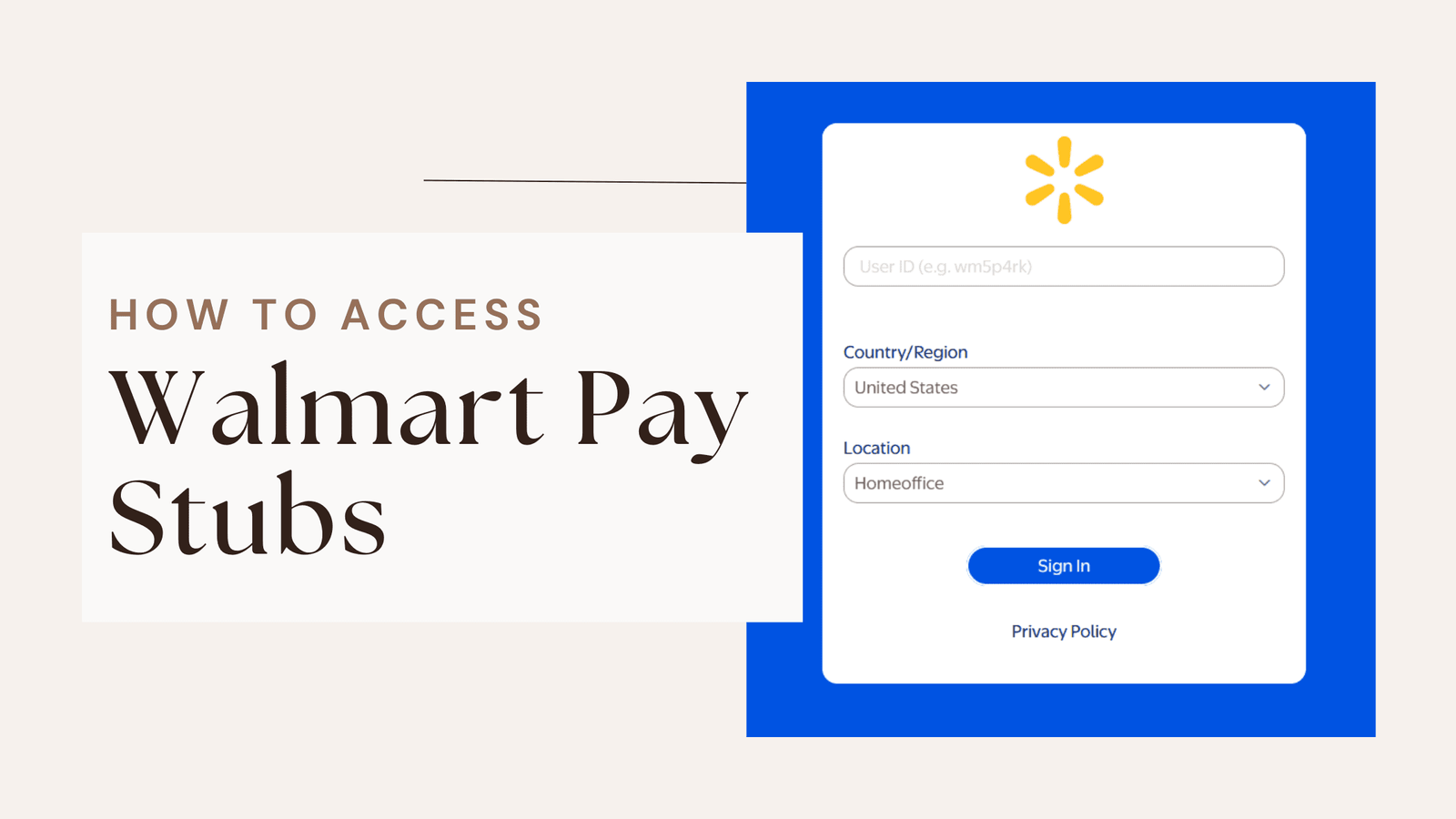
Whether you’re a former Walmart associate, checking your Walmart pay stub and having access to it is vital for managing your finances. Paystubs provide valuable insights into your earnings, deductions, and tax information, making them an essential part of budgeting, tax preparation, and verifying income.
Walmart offers simple and convenient tools to help current employees and alumni access their pay stubs online. However, navigating these systems can sometimes feel overwhelming if you’re unsure where to begin. To retrieve a pay stub, you should always be on the lookout and follow the steps below.
Read along to learn more about Walmart pay stubs and how to obtain them without hassle.
What is a Walmart Pay stub?
The Walmart pay stub is a statement showing your earnings and deductions from the company, usually for a specified period. It contains all the important information one needs to know: gross wages, net pay, taxes, and deductions.
Fortunately, you can now access your pay stub on Walmart’s digital platforms. In this case, you can check your income whenever you feel like it.
Current Walmart Employees
If you’re currently employed by Walmart, accessing your pay stub is quick and straightforward. Below is a detailed guide to help you navigate to obtain a Walmart paystub.
1- Log in to the Walmart One:
To start with, you will need to access your pay stub via Walmart’s employee portal:
- Access the Portal: Walmart employees can use the Walmart One website or the Me@Walmart app. Both platforms are designed to provide easy access to payroll and other employment-related information.
- Insert Your Login Credentials: Log in using your Walmart ID and password login credentials. If you’re logging in for the first time, your HR department will provide instructions on how to set up your account.
- Secure Your Access: Use a secure internet connection and keep your login information private.
Walmart employees can access the system to obtain their paystub and W-2 forms. The Walmart W2 form is usually available on 31 January of the year after the tax year. It’s a way to summarize what has been earned and what has been paid in taxes for employees.
2- Navigate to the Payroll Section:
Once you’re in:
- Locate the Payroll Area: Find the section labeled “Payroll” on the dashboard. This is where Walmart organizes all the pay-related details.
- Explore Additional Options: In addition to viewing paystubs, you can manage your direct deposit settings and update tax withholding details.
3- View and Download Your Pay Stubs:
Once you have reached the payroll section:
- Select the Desired Pay Period: Paystubs are sorted by date. Choose the one you want to view detailed information about your earnings and deductions.
- Download or View: You can preview your Walmart pay stub directly in the portal or, even better, download it as a PDF file for secure storage.
Benefits of Using an Earnings Statement Generator for Small Businesses
How to Access Walmart Pay stubs as a former employee ?
If you have left Walmart, accessing your Walmart pay stub is still manageable through the resources available for alumni. Whether you need pay stubs for tax purposes or income verification, these steps will help you.
1- Access the Walmart Alumni Portal:
Walmart provides an online portal that is specifically designed for former employees to access payroll and other employment-related records:
- Visit the Alumni Portal: Navigate the Walmart alumni portal for former employees. You can find it at Walmart.
- Log in with Previous Credentials: Use your Walmart Identification Number (WIN) and the password you had while employed. If you no longer remember your details, the portal offers account recovery options, such as resetting your password.
- Explore Pay Stub Options: Once logged in, locate the pay stub history section. Pay stubs are organized by pay period, making it easier to find the documents you need.
2- Contact Walmart Payroll Services:
If you encounter any issues with the alumni portal, Walmart’s payroll can help:
- Reach out for Support: For further guidance, contact Walmart payroll services. Contact information is on the alumni site or at the store where you worked.
- Verify Your Identity: Be ready to provide information to confirm your identity, such as your full name, previous store location, dates of employment, and the last four digits of your Social Security Number. This will ensure that your records are accessed securely.
Create professional pay stubs right away?
Try our free payroll stub generator today and discover how easy payroll can be!
Some Essential Components to Consider
Former employees should keep a few crucial points in mind to ensure that they can access their pay stubs when needed:
- Save it During Transition: If you know you’re leaving Walmart, download and save your pay stub and other essential payroll documents when you still have internal access. This minimizes the need for follow-up.
- Tax Documentation: Use the alumni portal to retrieve crucial tax forms, such as Walmart W2 form, which are available during the tax season.
- Keep Contact Information Updated: Make sure Walmart has your current email address and phone number on file. This will make account recovery easier with HR.
Key Takeaways
To get Walmart pay stubs, you should always follow the steps mentioned above, whether you’re a former or current employee. Walmart provides helpful tools such as the Walmart One portal for current employees and the alumni site for retired employees, ensuring you can always retrieve your pay stubs whenever needed.
Disclaimer: Paystub Generator Free is not affiliated with Walmart or its associates. Walmart brands or logos are trademarked or registered trademarks. The article provides general guidance for Walmart paystub access. Refer to Walmart’s official resources and consult HR for specific details.

